What the configurator shows is your products, with your rules and your prices. Here is how they get there, who keeps them up to date, and what is left for us to do.
Tell us what you sell and how it goes together. One call is enough to see whether the configurator is really for you. The address is at the foot of the page.
database
Where the data lives
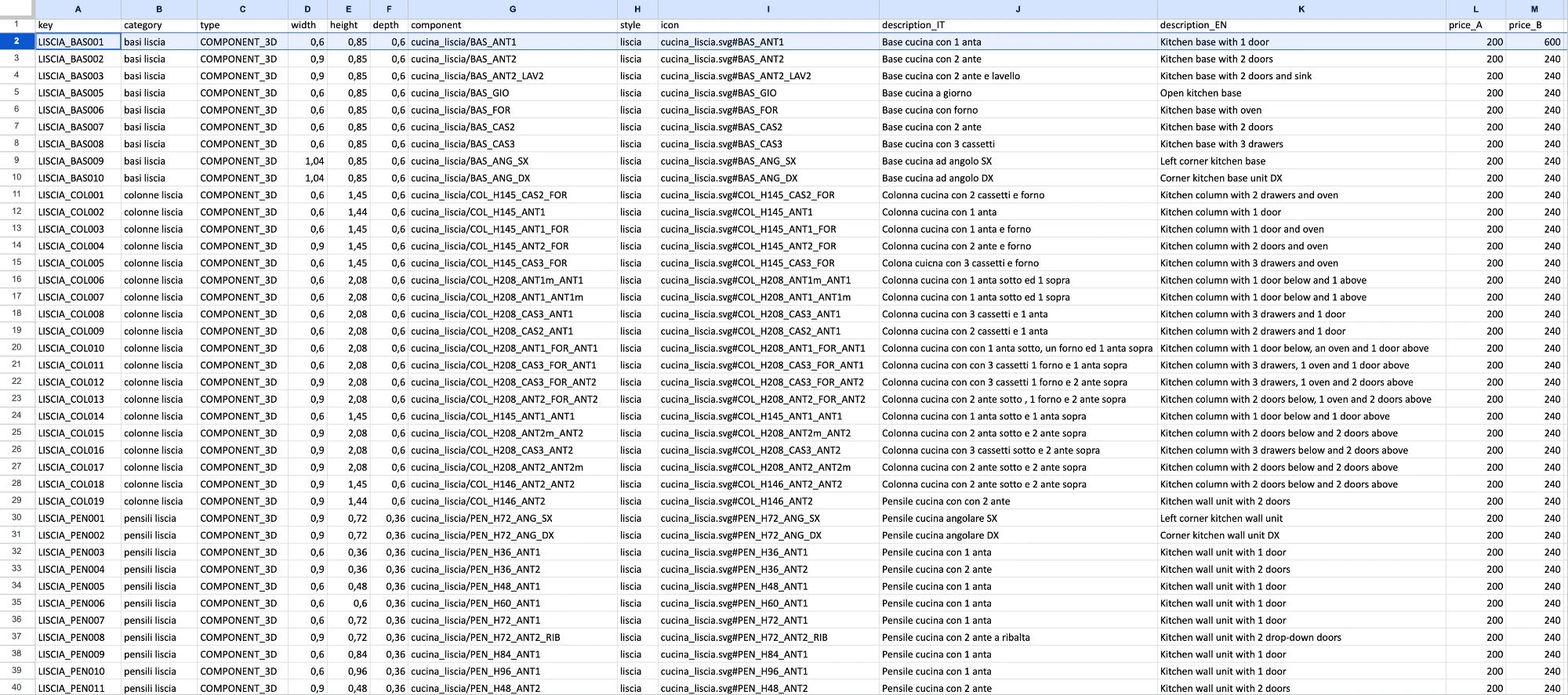
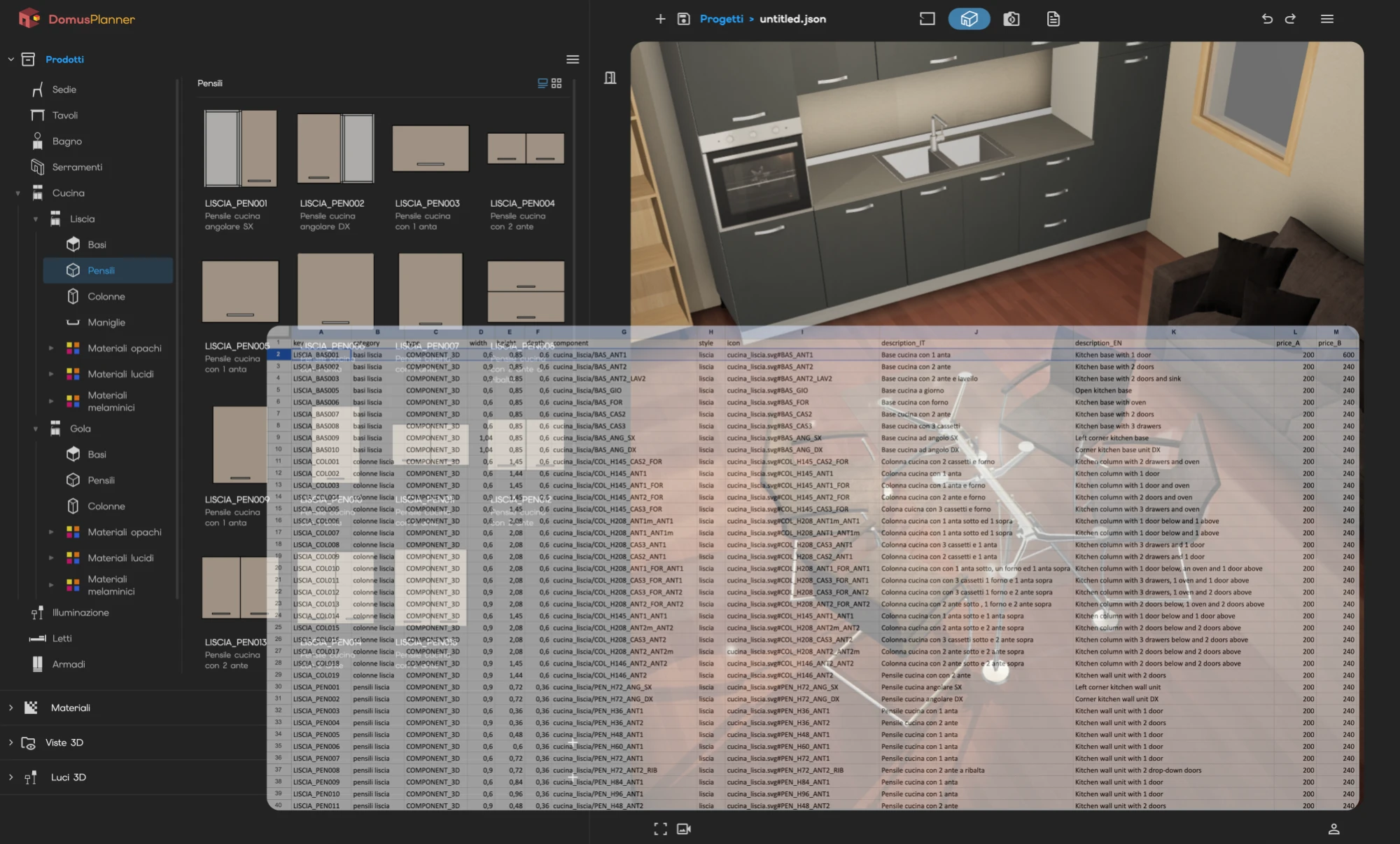
Products, materials, prices and rules live in a sheet that anyone can open and read, not in a format that needs a technician. The configurator reads it at startup and works from there.
The day the data has to come from your management system, the source changes and nothing else does.
update
Updates that stop nothing
A new price, an item out of production, one more finish: it is written in the sheet and holds from the next load. No release to schedule, no downtime window, no version to hand out to the sales team.
Structural changes, the ones that alter how a product goes together, we do together with you.
account_tree
The tree of parts
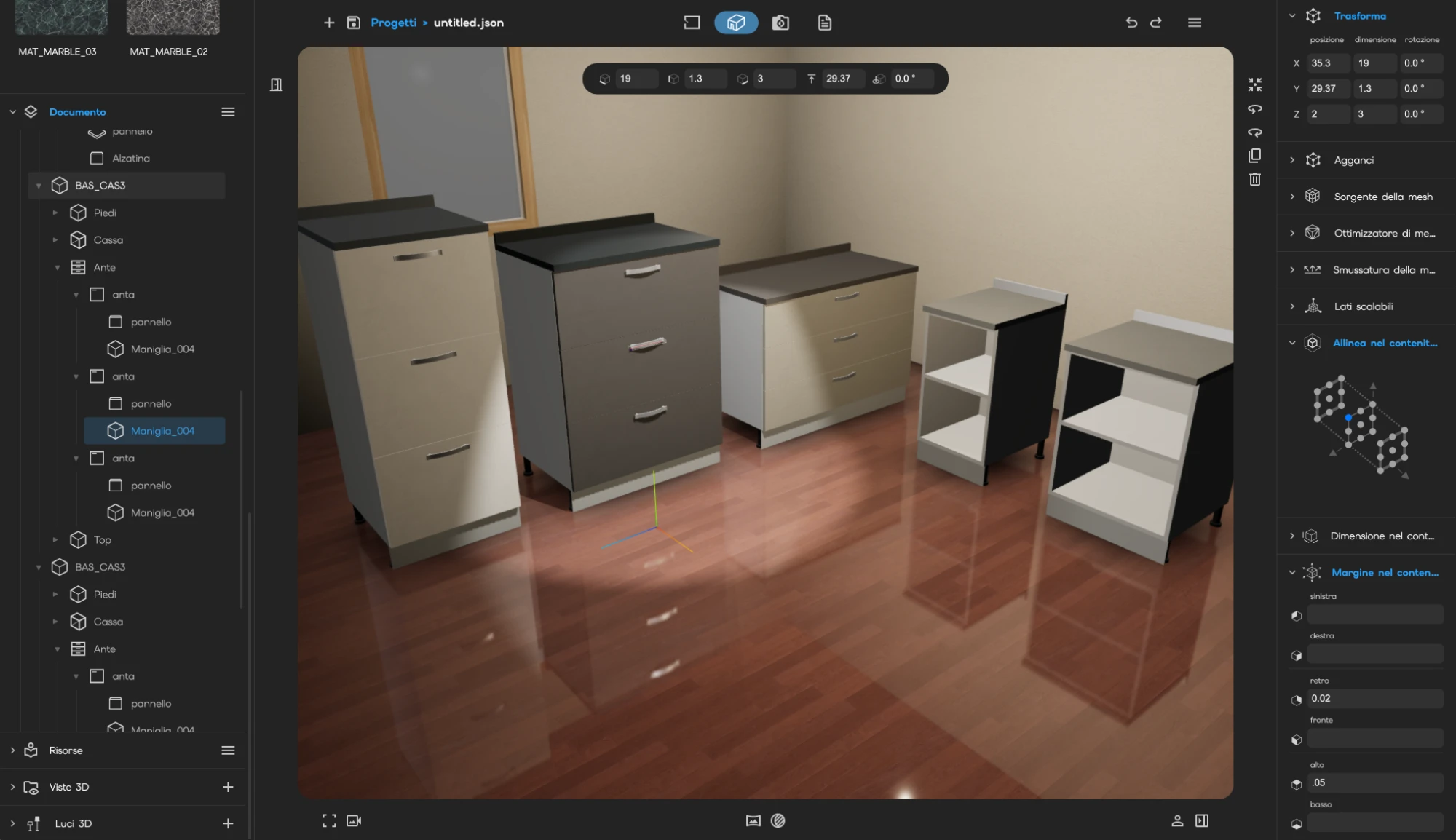
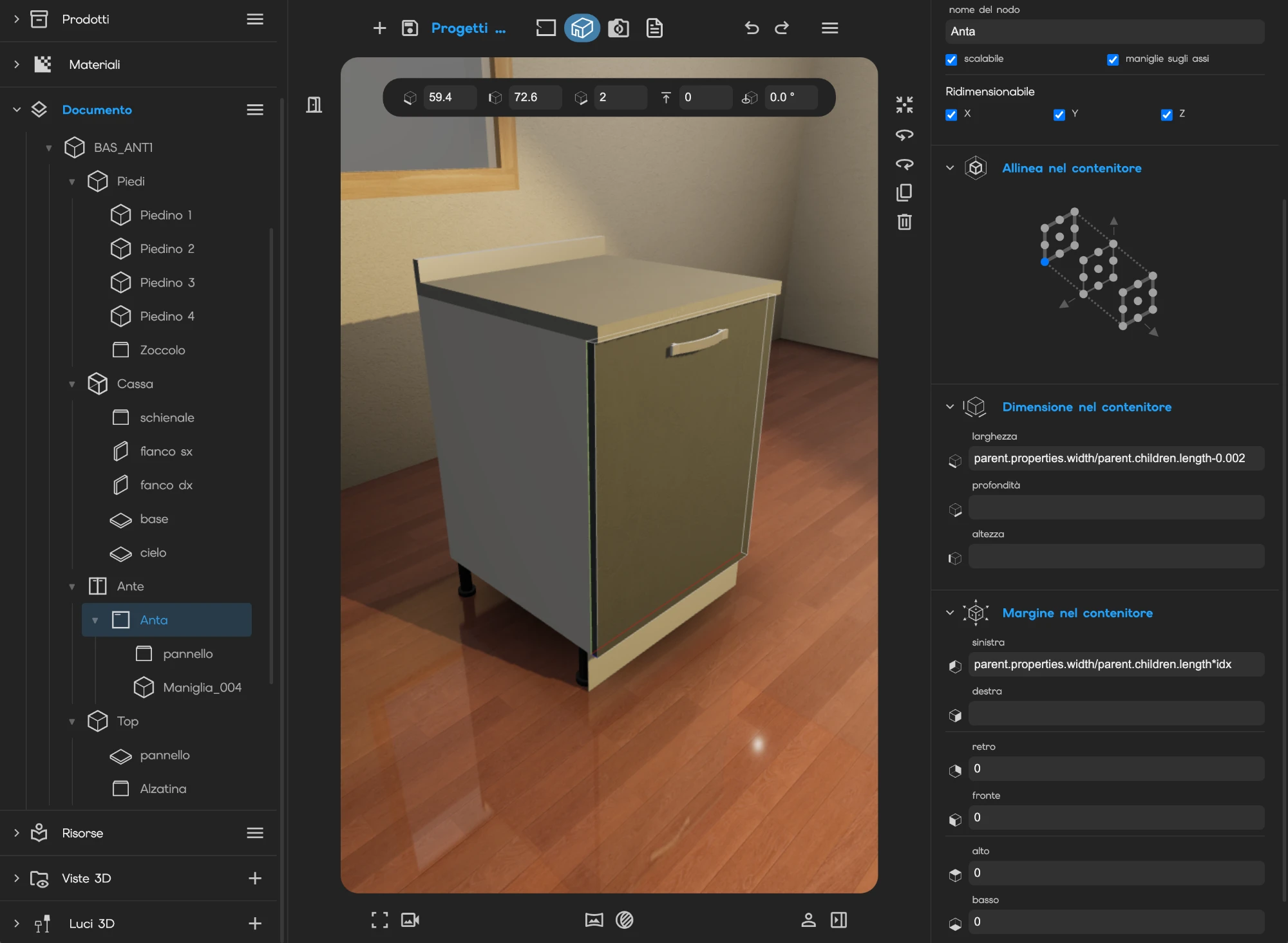
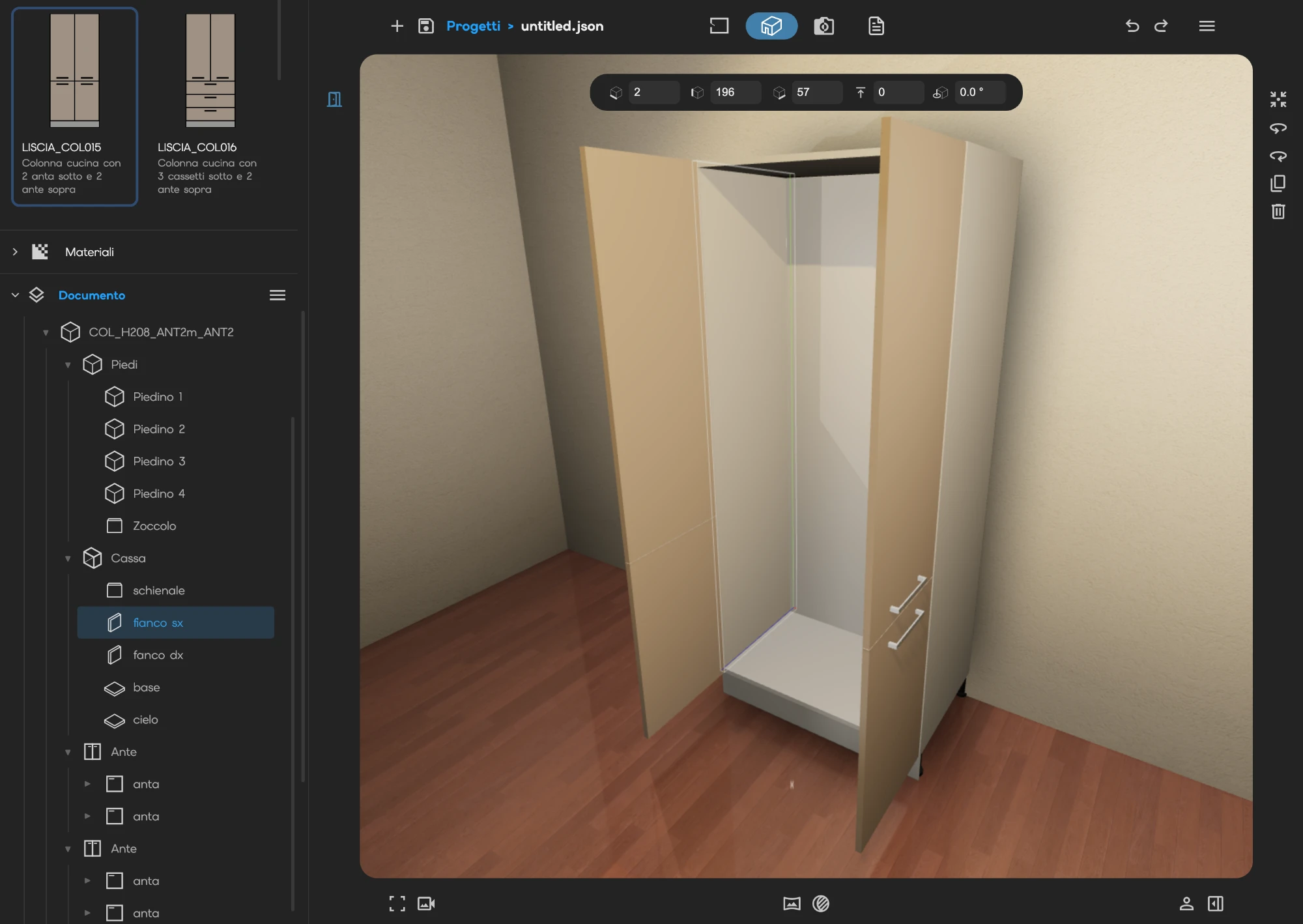
A component is not one mesh: it is a tree. Carcass, sides, shelves, doors, handles, and inside the doors their own pieces. Every part keeps its name, and the name is the one on the technical drawing, not a code.
That is why a door can be changed without touching the carcass.
functions
Dimensions are expressions
The width of a part is not a number: it is a formula that reads the dimension of the piece containing it. “As wide as the parent.” “A quarter of the parent, minus two millimetres of clearance.” “As wide as the one before me.”
Changing the width of the cabinet recalculates everything inside it, in one go.
rule
The rules of your product
What attaches to what, at which point and facing which way: these are rows in a table, not code written to order. The same rows say which finishes each part can take, and which combinations do not exist.
This is where a complicated product stops being complicated for the person composing it.
deployed_code
The 3D models
Your models come in as components: lightened just enough for the browser to move them smoothly, but with their real dimensions. The parts stay recognisable one by one, which is why a door can change colour without touching anything else.
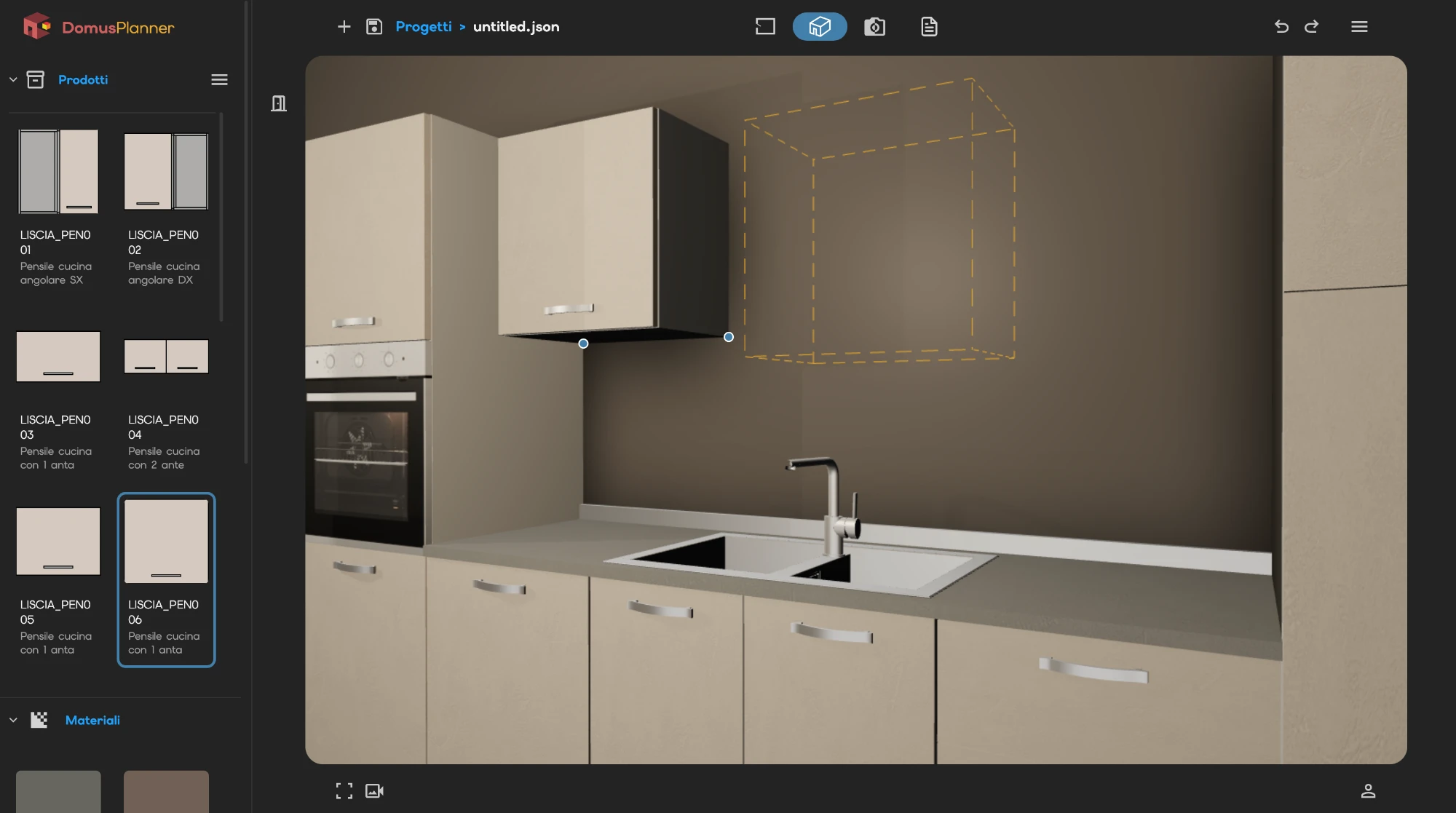
The library icons are not photographs. They are drawn from the measurements, so they never go out of date.
We use Google Analytics to understand how the site is visited. We only turn it on if you accept. Privacy Policy