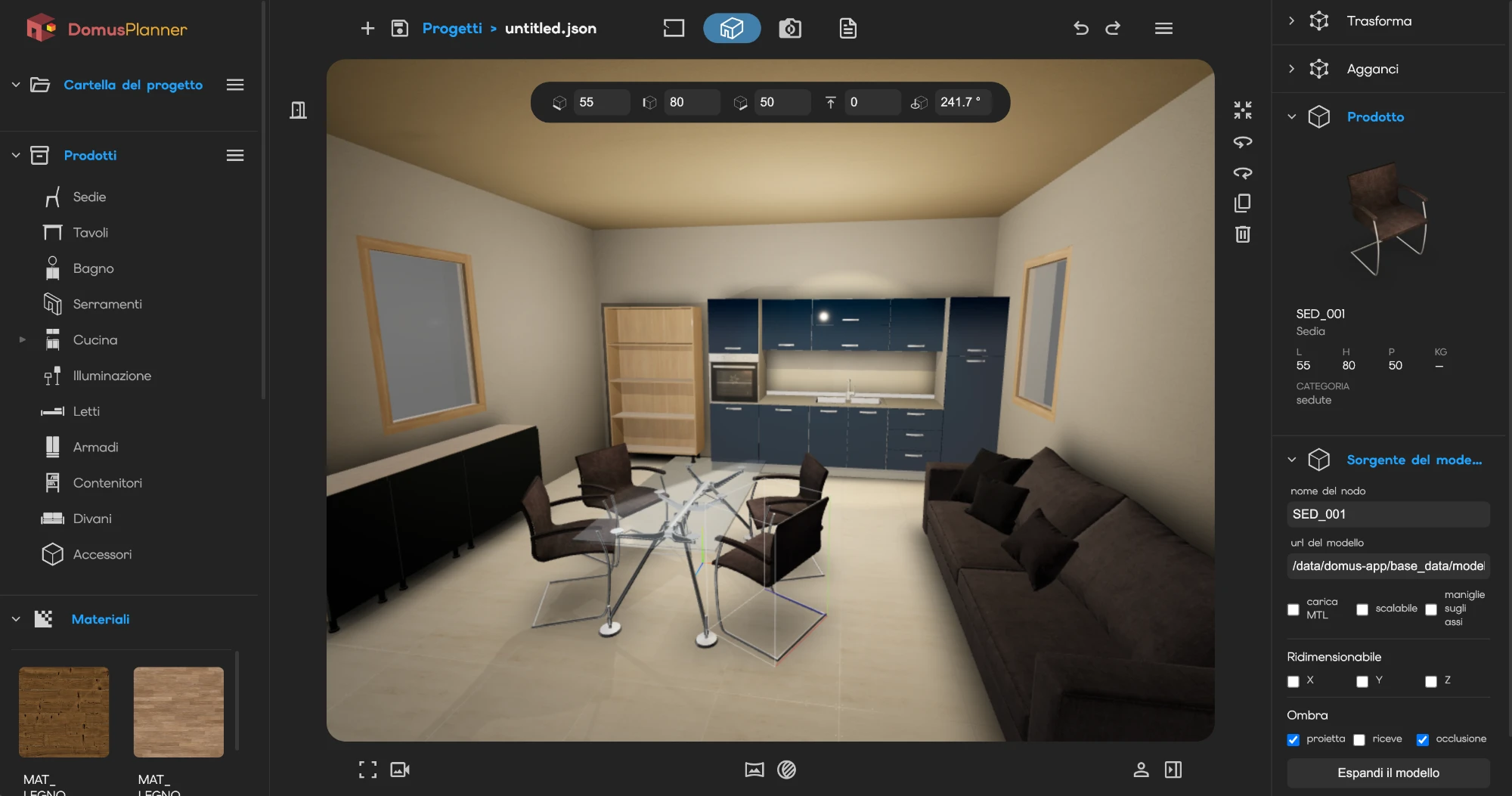
Configuration with product logic, drawing and 2D-3D visualisation A detailed bill of materials.
straighten
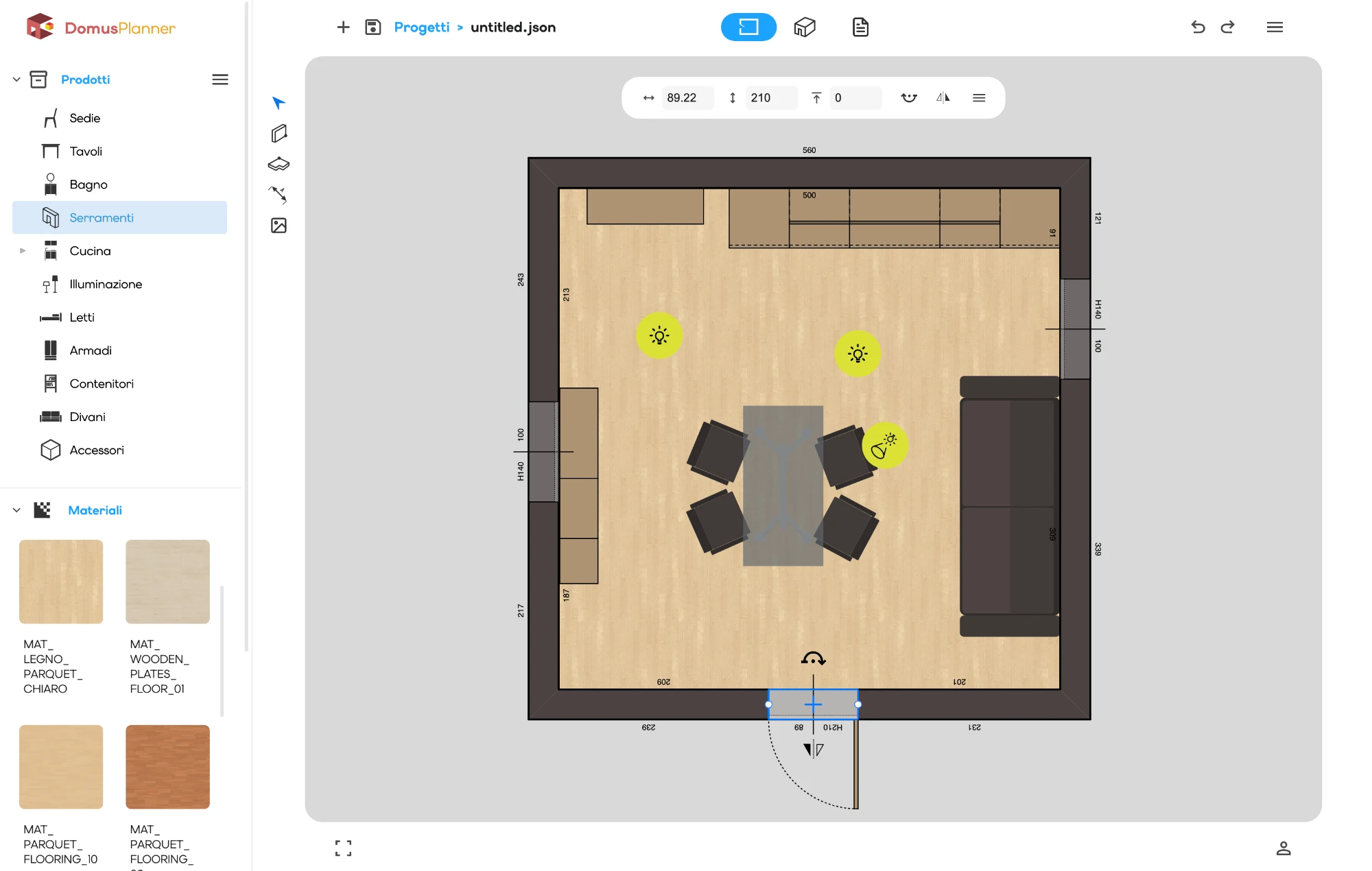
Plan view and dimensions
The same project can also be seen from above, in plan, with the measurements written on it. Width, depth, clearances: dimensions are drawn where they are needed, on walls as well as on furniture.
This is the view that tells you whether a composition really fits the space it has.
lightbulb
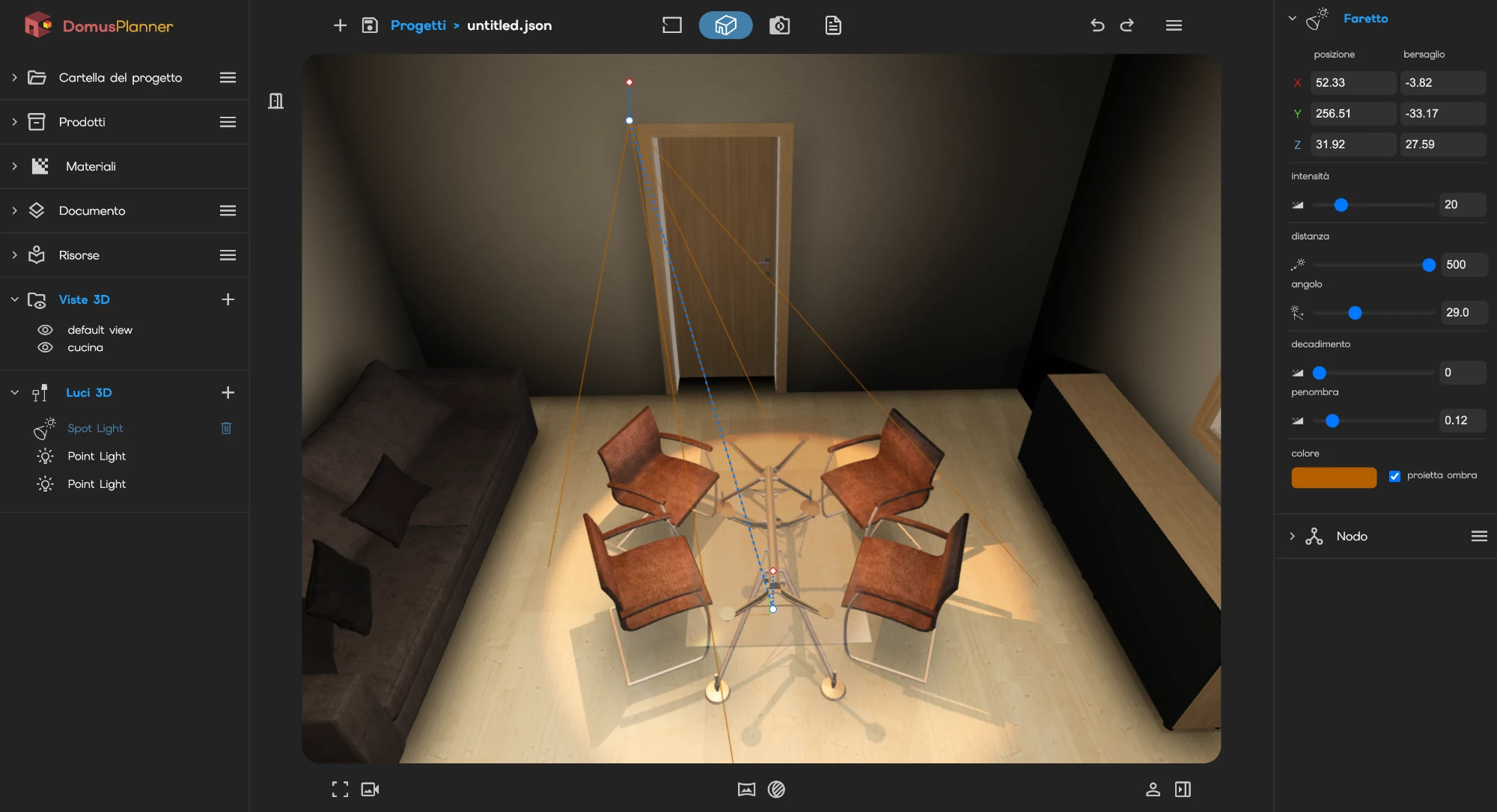
The scene and the lights
Before the render there is the scene: the environment that reflects on the materials, lights placed where they are needed, the camera lens with its focal length.
They are the levers of a photographic set, and they do the same job: making something that does not exist yet look real.
photo_camera
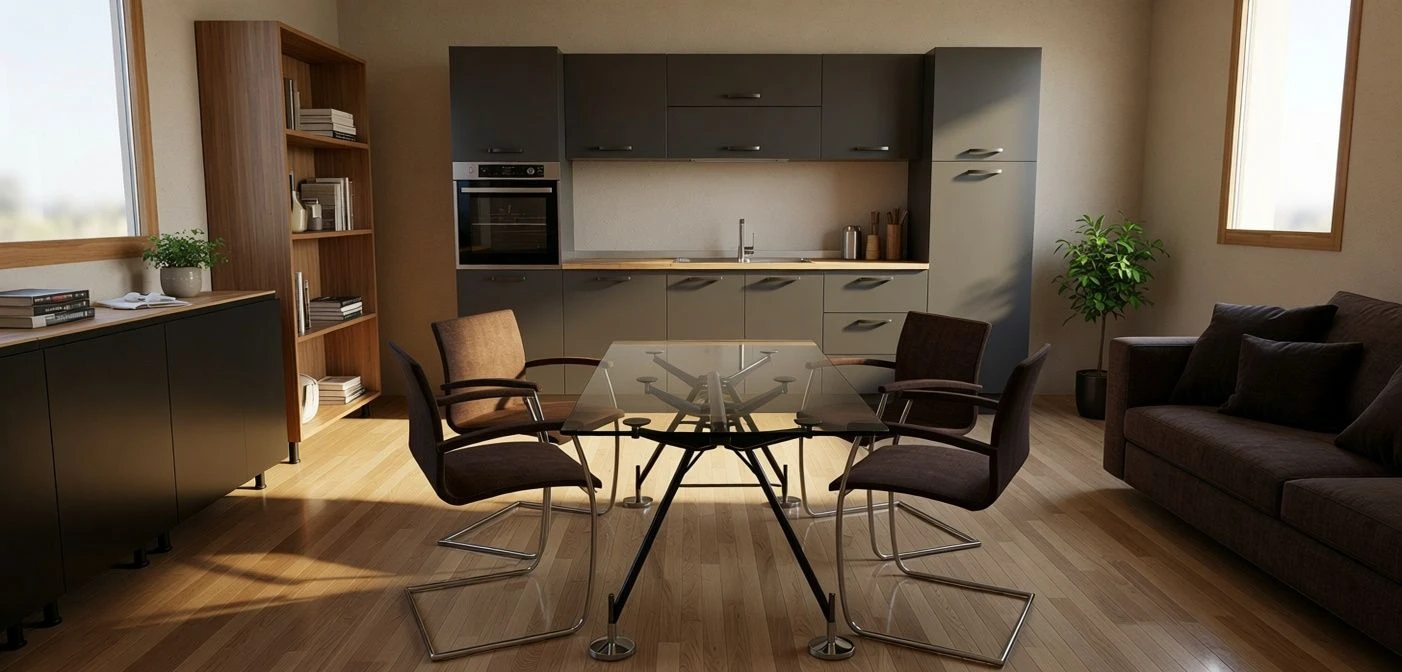
Photorealistic rendering
When the composition is right you ask for the finished image: the scene comes out as a photograph, with lights, materials and shadows in place. The surroundings are described in words, and you try again until it is the right one.
No overnight render queue: you look at the result while you are still on the project.
shelves
Product Library
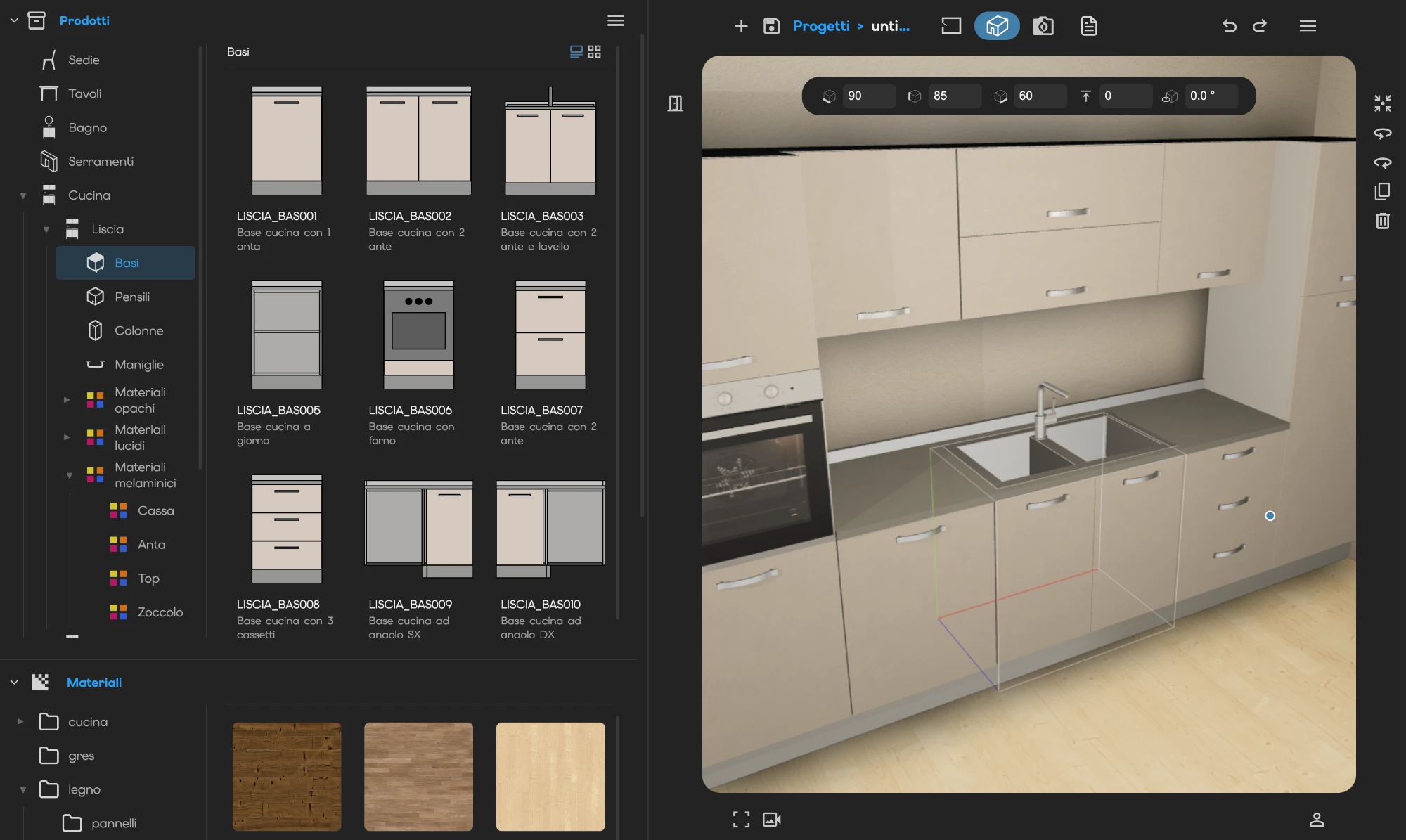
Browse it like a shelf. Categories, families and variants are already inside the configurator: pick a product and place it in the scene.
The materials sit next to the products: woods, lacquers and fabrics are tried on the model, not imagined.
hub
Rules and snap points
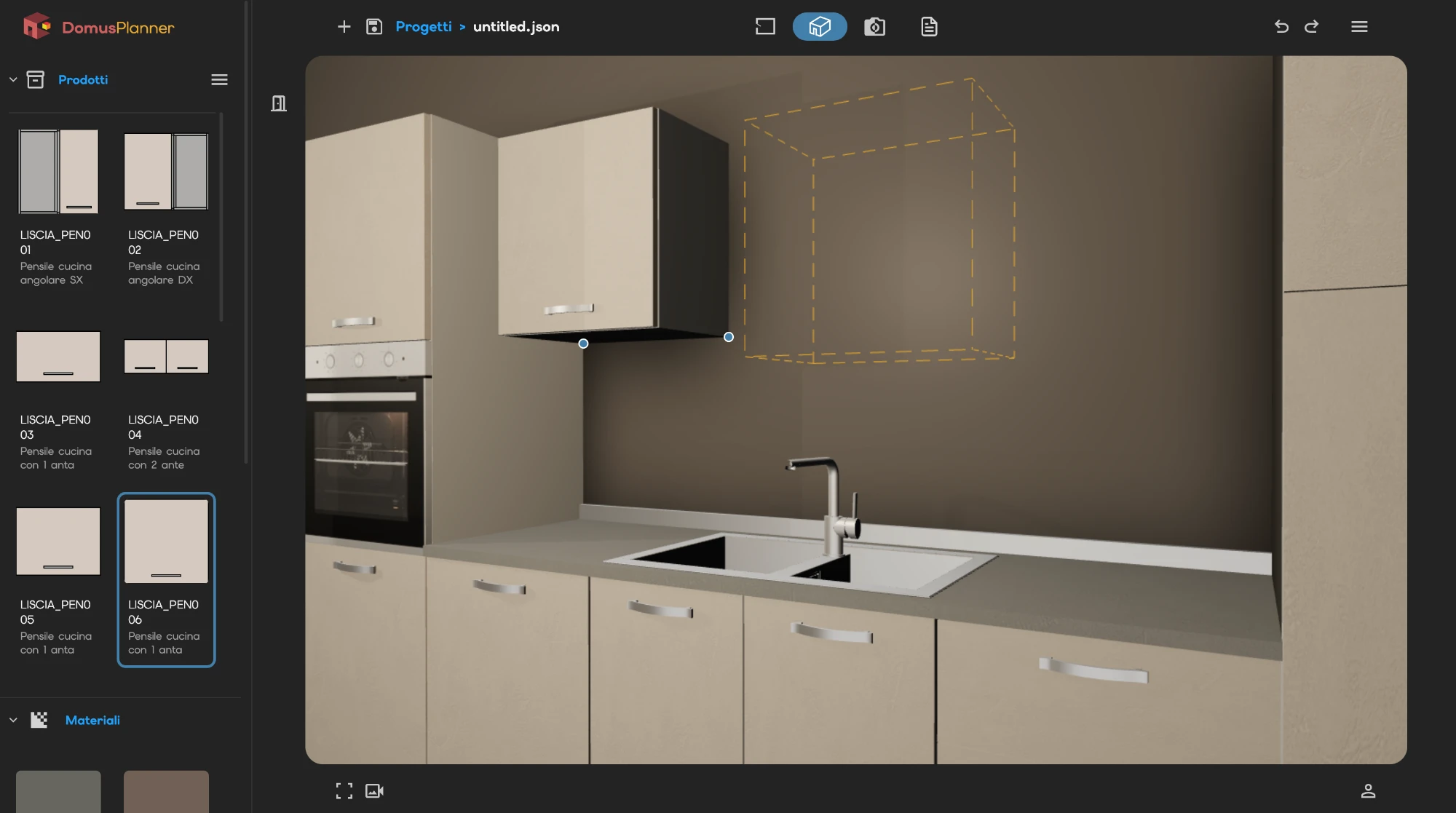
Every product carries its own snap points: where it can attach, to what, and facing which way. Bring in a compatible piece and the free points light up, so it lands already aligned.
Combinations that do not hold up are not flagged with a warning. They are simply never offered.
receipt_long
The parts list
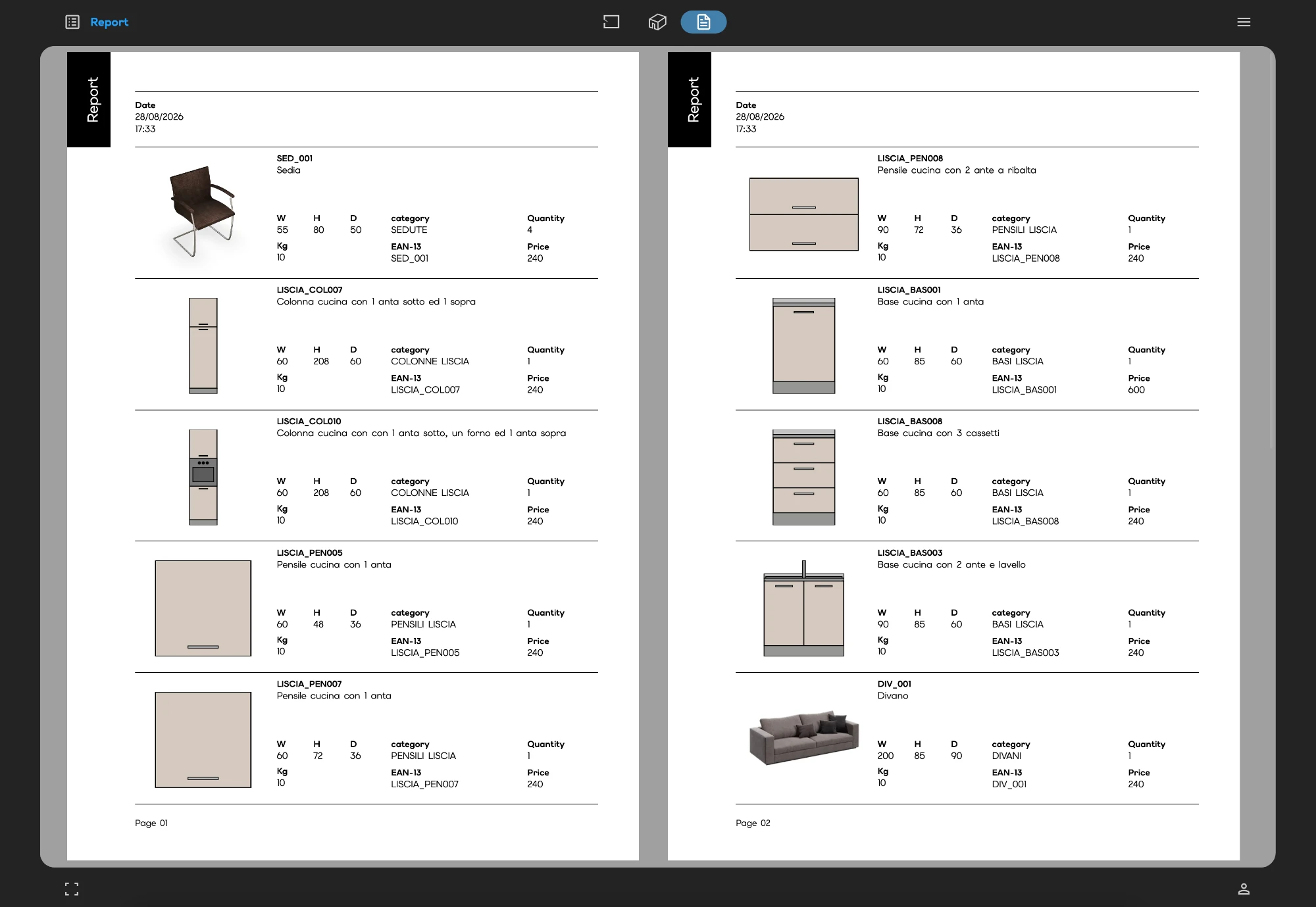
Every piece you place joins a list: code, description, category, EAN-13, quantity and price. The list updates as you work, so there is never a moment when the totals have to be worked out.
Print it as it is, and it becomes the quote you send to the client.
We use Google Analytics to understand how the site is visited. We only turn it on if you accept. Privacy Policy